Adding a UI widget cut Claude's job searches from 15 to 1
Indeed's Dustin Mihalik found that giving a model a nice rendering widget made results worse: the model stopped exploring once it saw a UI on screen. His fix upends the instinct to bolt a UI onto existing APIs — separate data tools from rendering tools entirely.
- Speaker/role — Dustin Mihalik works at Indeed, 'the number one job site in the world,' on the AI platform team doing guardrails, gateways, and compliance, and got pulled into MCP apps and MCP connectors work through vendor relationships.
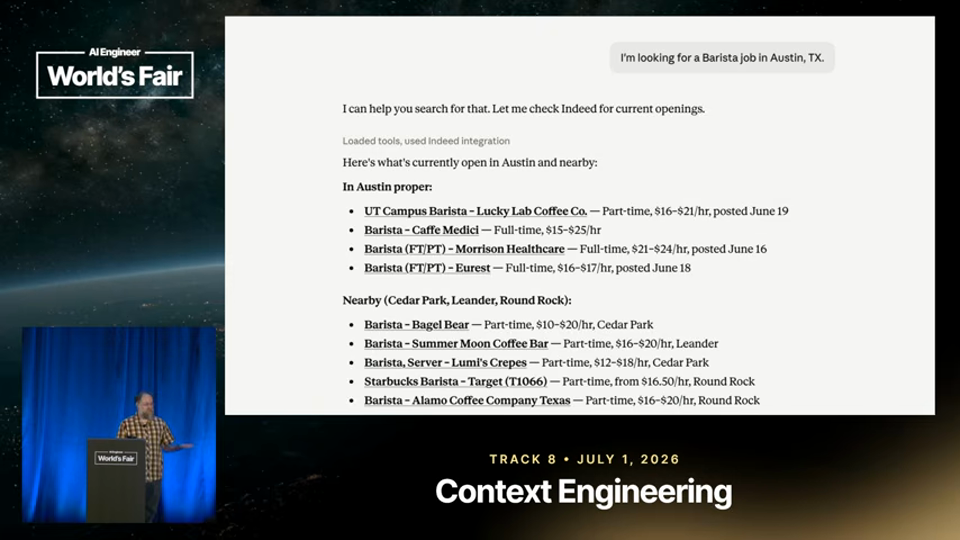
- Text-only baseline — A plain text MCP response to a search like 'barista in Austin' has no Indeed branding and no links, and it took Indeed 'a ridiculous number of hours and evals' to get Claude to consistently link out at all.
- Why UI helps — MCP apps and the Apps SDK let Indeed add an apply button, highlight key fields, and show a details modal without the user leaving the chat environment.
- Rule 1: data black box — If the widget just calls existing APIs directly, the model has no idea what's displayed, so follow-up questions like 'tell me about the first result' fail; anything shown to the user must also be returned to the model as structured content plus the resource URI, kept in sync.
- Rule 2: description — Without an updated tool description, the model narrates results in text underneath the widget anyway; adding a line like 'results were automatically displayed to the user as UI components' at the top of the description fixes most of this.
- Interactions need context — Clicking 'view details' opens a modal the model can't see, so requests like 'write a cover letter for this job' fail unless interaction data is pushed back via the update model context method, which appends a single string of events (an example from MCP apps docs: a shopping cart tool appending total cost and item list).
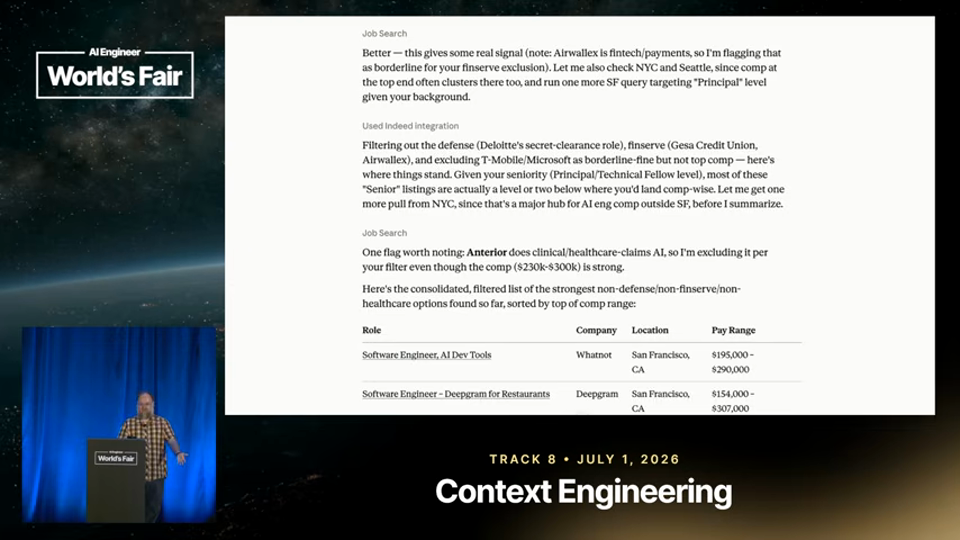
- Rule 3: the core fix — Attaching a widget to search made Claude call the tool once and stop, versus 10-15 searches and a filtered table in the text-only version; the fix, borrowed from OpenAI's Apps SDK docs, is to separate data processing from UI rendering entirely.
- Indeed's split — Indeed replaced one search-and-render tool with a plain search_jobs tool the model can call freely and a separate render_jobs widget that takes a list of IDs, so Claude can search 100 jobs, filter to 5, and render only those.
- Creative extensions — The render tool can be extended to accept a reason string per ID or a highlighted section of a job description, letting the model inject rationale into the widget.
- Takeaways — Mihalik's closing advice: design data before UI, build small composable tools (multiple search variants, multiple render tools) with simple descriptions so the model has flexibility without being overloaded.
In their words
The very first rule uh for me uh building MCP apps, anything that you show to the user also needs to be provided as data to the model.3:59
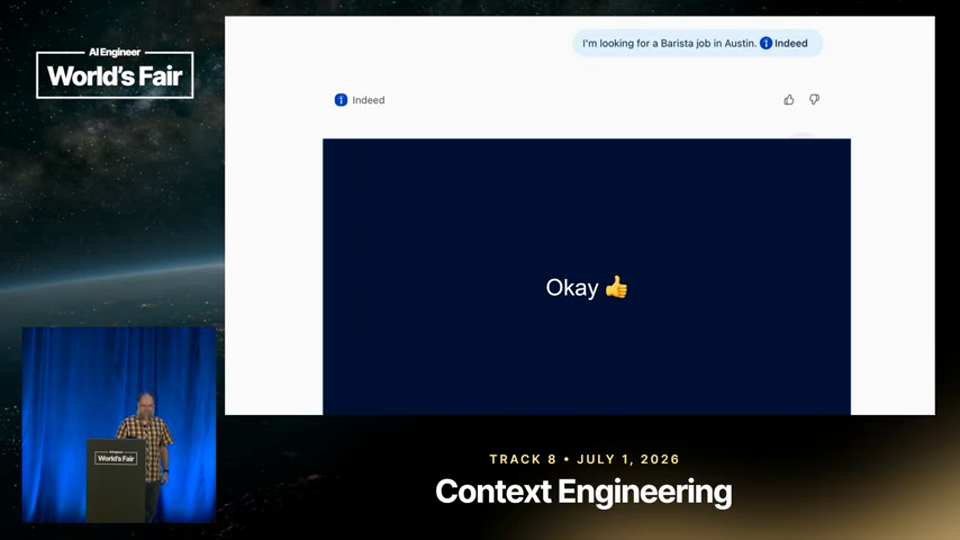
So, you end up with like, "Here's your display." and then here's the model doing basically the same thing that it would normally do.5:08
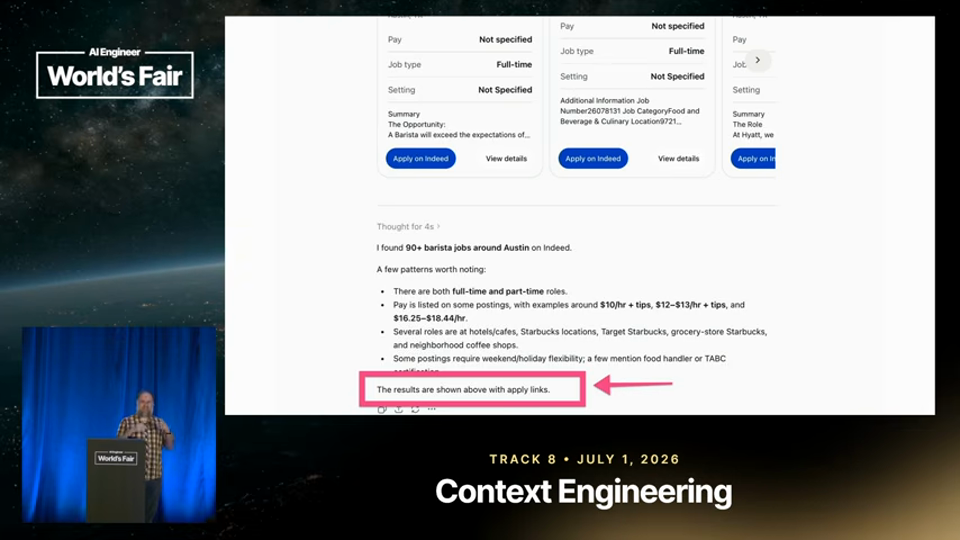
We know Claude Claude will call it once and then it'll be like, "Oh, I guess the results are already displayed. I'm not going to like do a deep dive, right?"9:27
it took us a ridiculous number of hours and evals to make sure that like Claude would consistently link to things.2:09
Disclosure · Mihalik works on Indeed's own MCP/AI platform and job-search agent, which he uses as the running example throughout.
One thing to add — One thing to add — the talk is a useful counterpoint to the assumption that richer UI is always better; here it directly suppressed the model's tool-calling behavior until the architecture was split. Mihalik doesn't quantify how the split affected latency or cost of running many more search calls, which would be the natural next question.
One thing to try tonight
If you're building an MCP app, split any tool that both fetches data and renders UI into two tools — one plain data tool the model can call repeatedly, and one render tool that takes IDs — then test whether the model resumes multi-step exploration.